
How to play with miniatures on a tablet or TV
A screen under the miniatures gives you the best of both worlds: the real figures your players love, on a map that changes with one tap.
Which screen to use
A 10–13 inch tablet is enough for a small fight with four or five heroes. For a whole party and a big map, a TV laid flat on the table (or under a sheet of clear acrylic) is the cheapest large screen you probably already own.
Protect the screen: miniatures with bases sit fine on glass, but a thin screen protector or acrylic sheet stops scratches and lets you slide the figures freely.
Set the screen up
Lock the screen rotation and turn off auto-sleep, so the map does not spin or go dark mid-fight. Lower the brightness a little: it is easier on the eyes and the painted miniatures stand out better against the map.
Install Quest World as an app from the browser menu: it opens full screen, without the browser bars, like a real game board.
Open the map in 2D
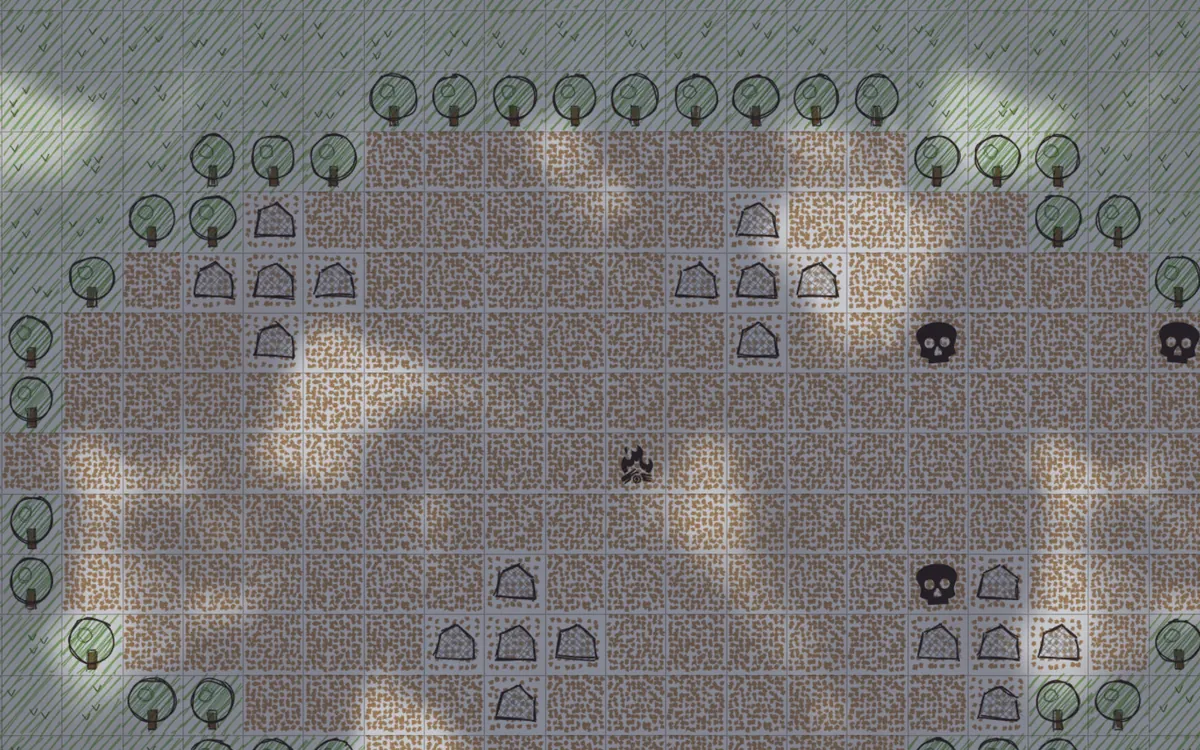
Under miniatures the hand-drawn 2D look works best: it is seen from above, like a printed battle mat, and the squares are easy to count. Keep the 3D view for a TV on the wall, to show the scene before the fight.
Bring your own heroes
The magic of a digital map is that the terrain changes while the figures stay the same. That is why a miniature of each player's own character is worth it: it is on the table every session, on every map.
Questions
- Will miniatures scratch my tablet?
- Resin bases are smooth, but grit under a base can scratch. A screen protector or a clear acrylic sheet on top avoids the problem.
- Do I need an internet connection?
- To open the game the first time, yes. Your maps and characters are saved on the device.