
How to make a battle map for free (D&D and tabletop RPGs)
You do not need a drawing tablet or hours in an image editor. Here is how to get a playable battle map ready before your players arrive, free, in the browser.
1. Start from a place, not from a blank grid
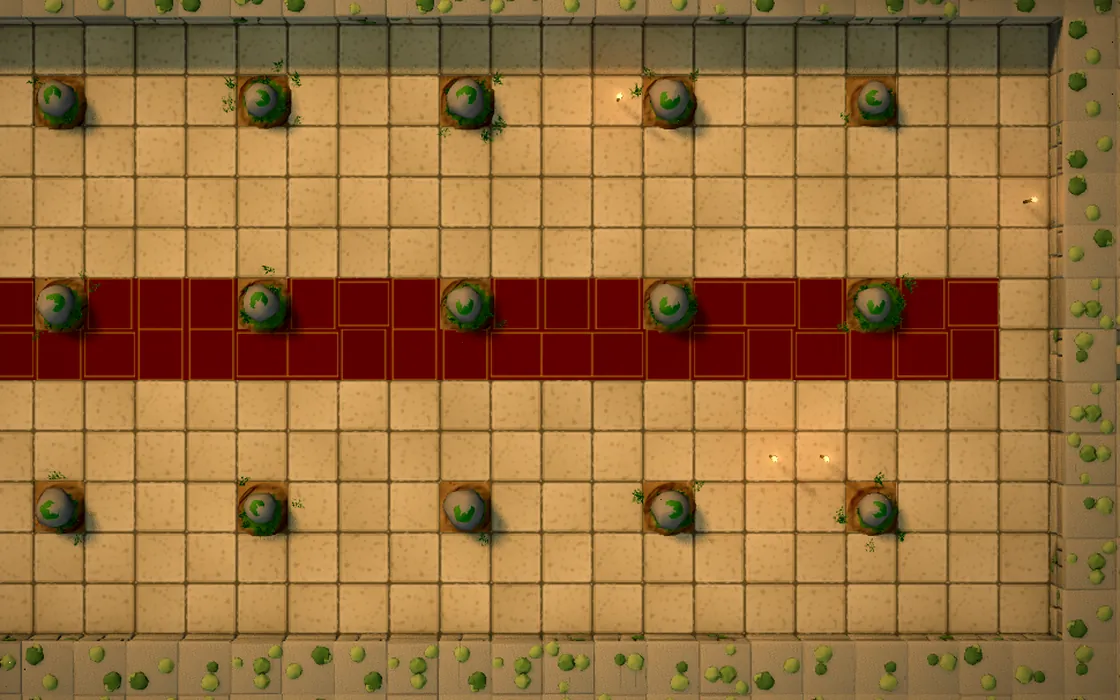
A blank grid is the slowest way to begin. Quest World has thirty ready-made places (a tavern, a crypt, a forest road, a dragon's lair and more) that open in the master's workshop. Pick the one closest to your scene and change it: it is much faster than drawing every wall.
Each place is drawn anew every time you open it, so even the same tavern is never quite the same room.
2. Paint the terrain cell by cell
In the workshop you paint the map one square at a time: stone floor, grass, water, walls, doors, trees and treasure. Think about how the fight will move: a narrow door makes a choke point, water slows the party down, a few trees give the archers cover.
A good battle map has at least two ways to reach the enemy and one thing to hide behind. If every square is open floor, the fight becomes a slugging match.
3. Hide what the heroes have not seen yet
Fog of war keeps the unexplored rooms dark until the party gets there. It is what turns a map into a dungeon: the players only see the corridor in front of them, and the surprise in the next room stays a surprise.
4. Choose the look: 3D or hand-drawn 2D
The same map works in 3D, with light and shadows, or as a hand-drawn 2D map. You can switch at any time. 3D is great on a TV to set the mood; 2D is clearer on a tablet lying flat under your miniatures. You can also walk into the map with the first-person view to show the players what their heroes see.
5. Run the fight on the same map
When the map is ready, the fight happens right there: initiative order, hit points, attacks, spells and dice, with fifth-edition (SRD 5.1) characters and monsters. Everything is saved, so you can stop at the cliffhanger and pick the session up next week.
Questions
- Is it really free?
- Yes. Quest World runs in the browser for free, and you can also install it as an app on your phone, tablet or computer.
- Does it work with D&D 5e?
- It is compatible with the fifth edition rules: races, classes, spells and monsters come from the open SRD 5.1.
- Can I use it with physical miniatures?
- Yes: put a tablet flat on the table or use a TV laid down, open the map in 2D and place your miniatures on top.